
Global Settings
Manage shop-wide output, shapes, borders, fixing methods and other shared configuration defaults.
Global Settings (app home › Global Settings) hold what every configuration shares: shapes, fixing methods, borders and output rules. Change them once, every configuration that uses them follows.
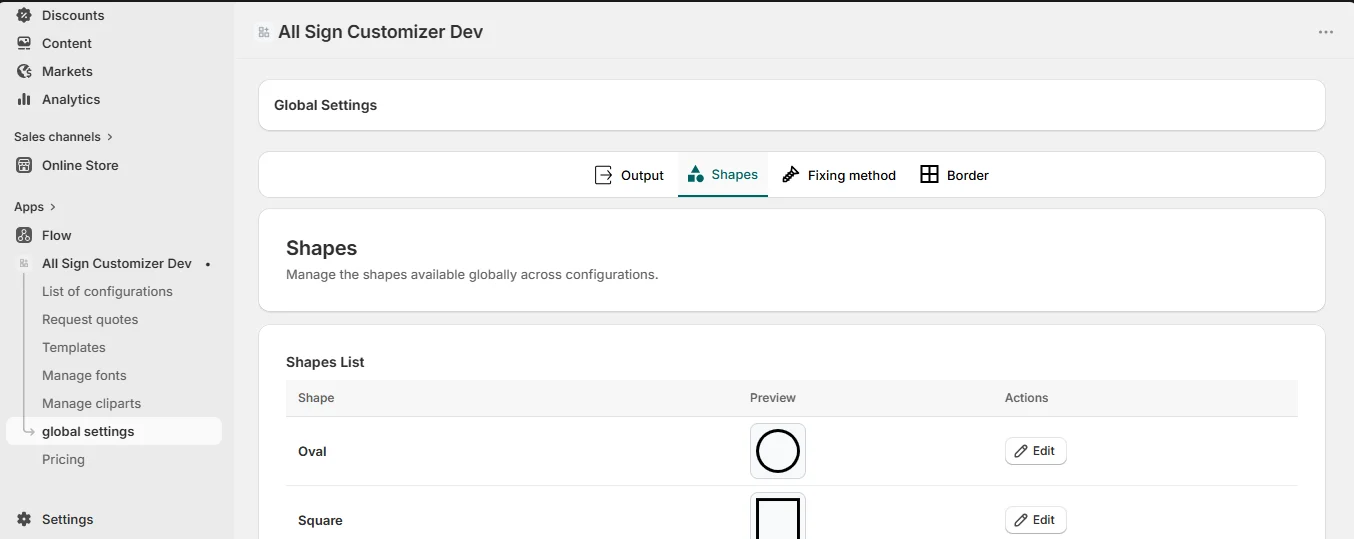
Shapes
The silhouettes available to all configurations. Each shape has a Label and an icon shown in the shape picker.
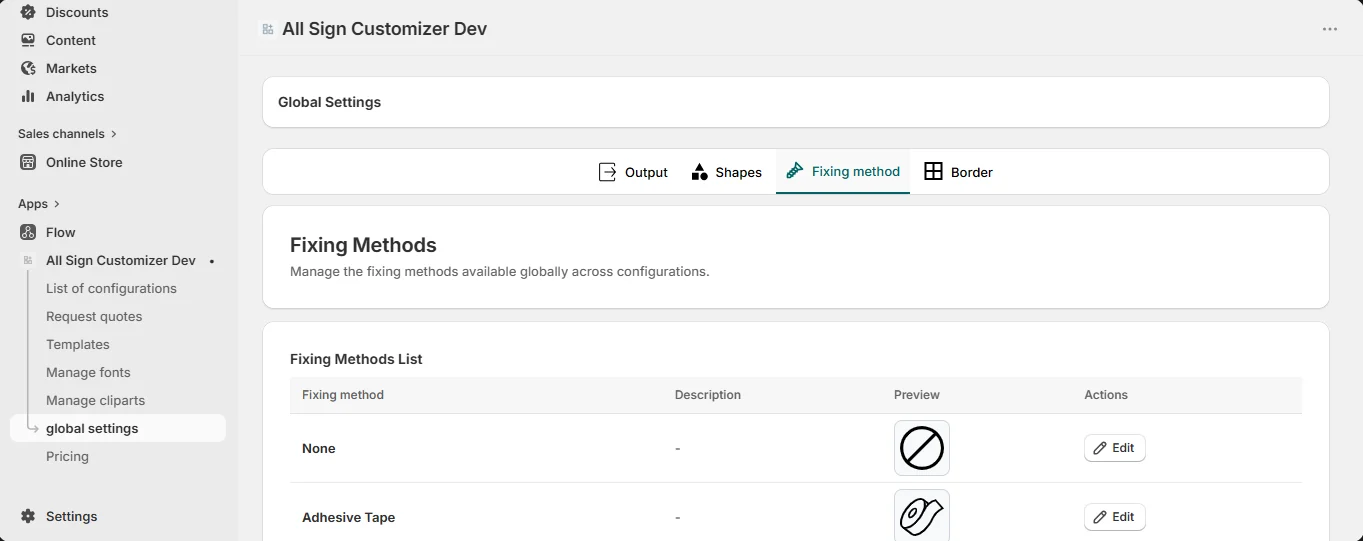
Fixing methods
Every installation method you offer: Label, short Description, icon and a complete popup description shown when customers ask for details (what is included, wall type, drilling).
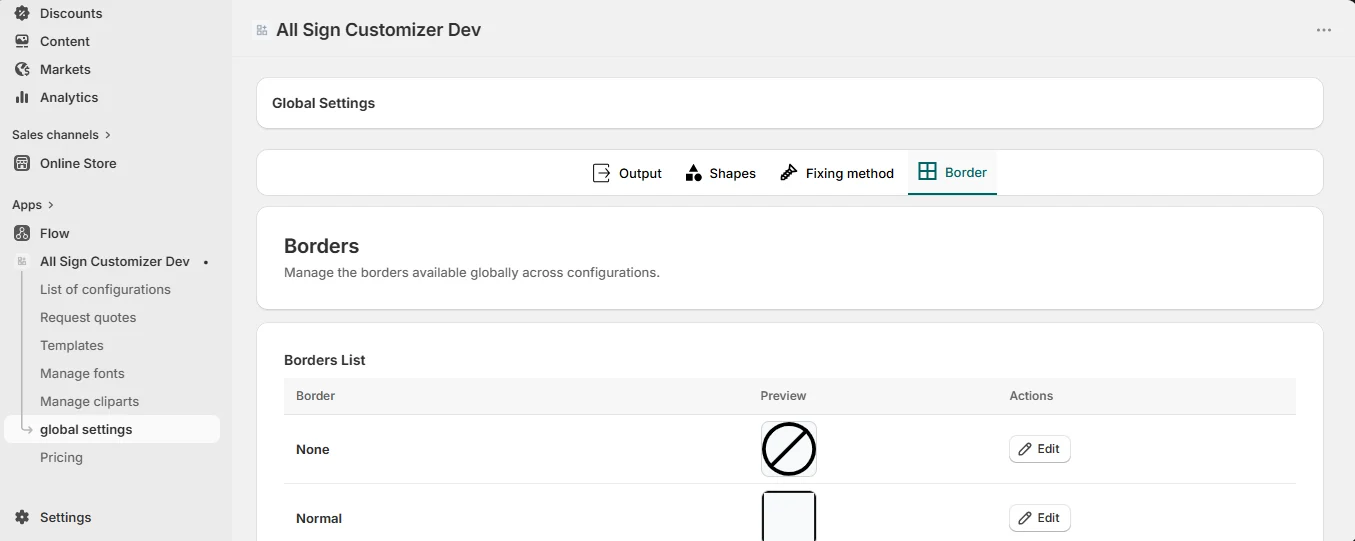
Borders
The border styles — normal, rounded corners, old world… — with their label and icon.
Output
Zip naming and order notification emails for the whole shop — see Output Settings.
How it connects to configurations
A configuration does not copy these items: it selects them (Core Setup › Shapes, Fixing Methods, Borders) and adds its own price and restrictions. That is why an icon or description changed here updates everywhere.
Renaming a fixing method or replacing a shape icon changes every live product that uses it. After such a change, preview a few configurations.
Get product news by email
New features, release notes and setup tips — a few emails a year.