
Materials & attributes
- Wood and any panel material you produce
- Components and add-ons you offer
Start from a finished design and let customers change only their name, text or colors. The layout stays exactly as you made it, so every order is ready to produce.
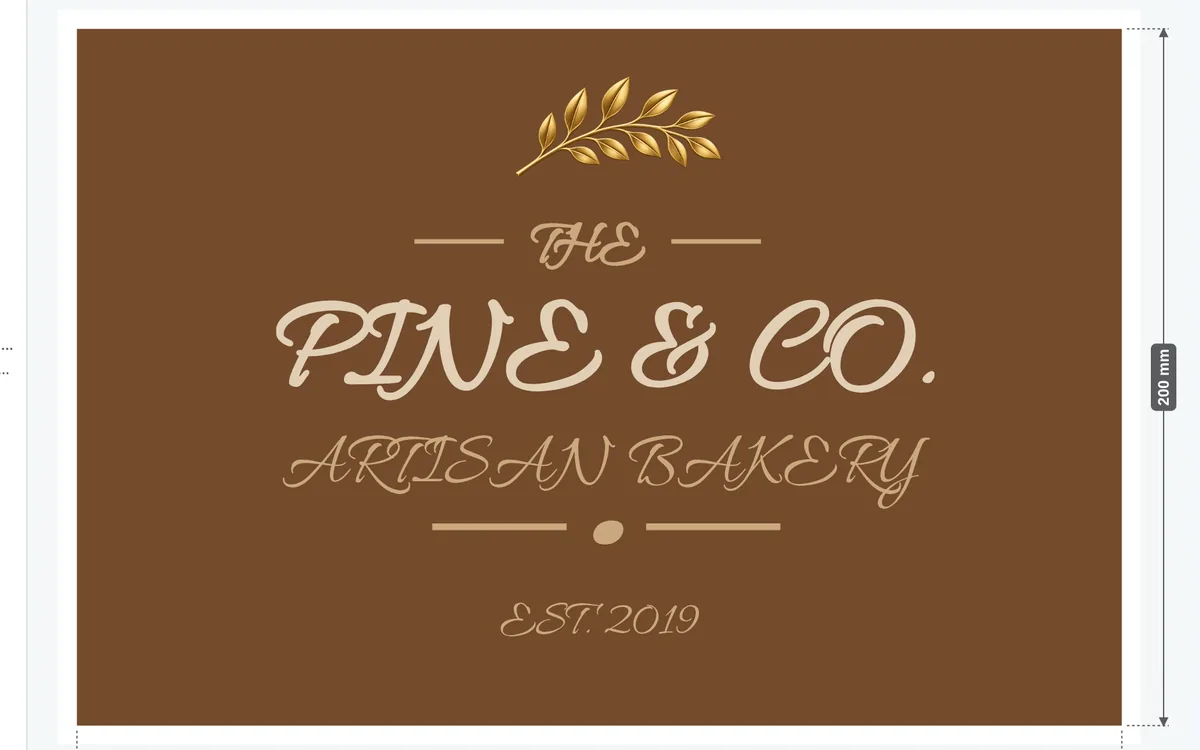
Personalized wood signs are a template business: the design sells, the name makes it personal. Preset Mode turns your best designs into products customers personalize without breaking them.
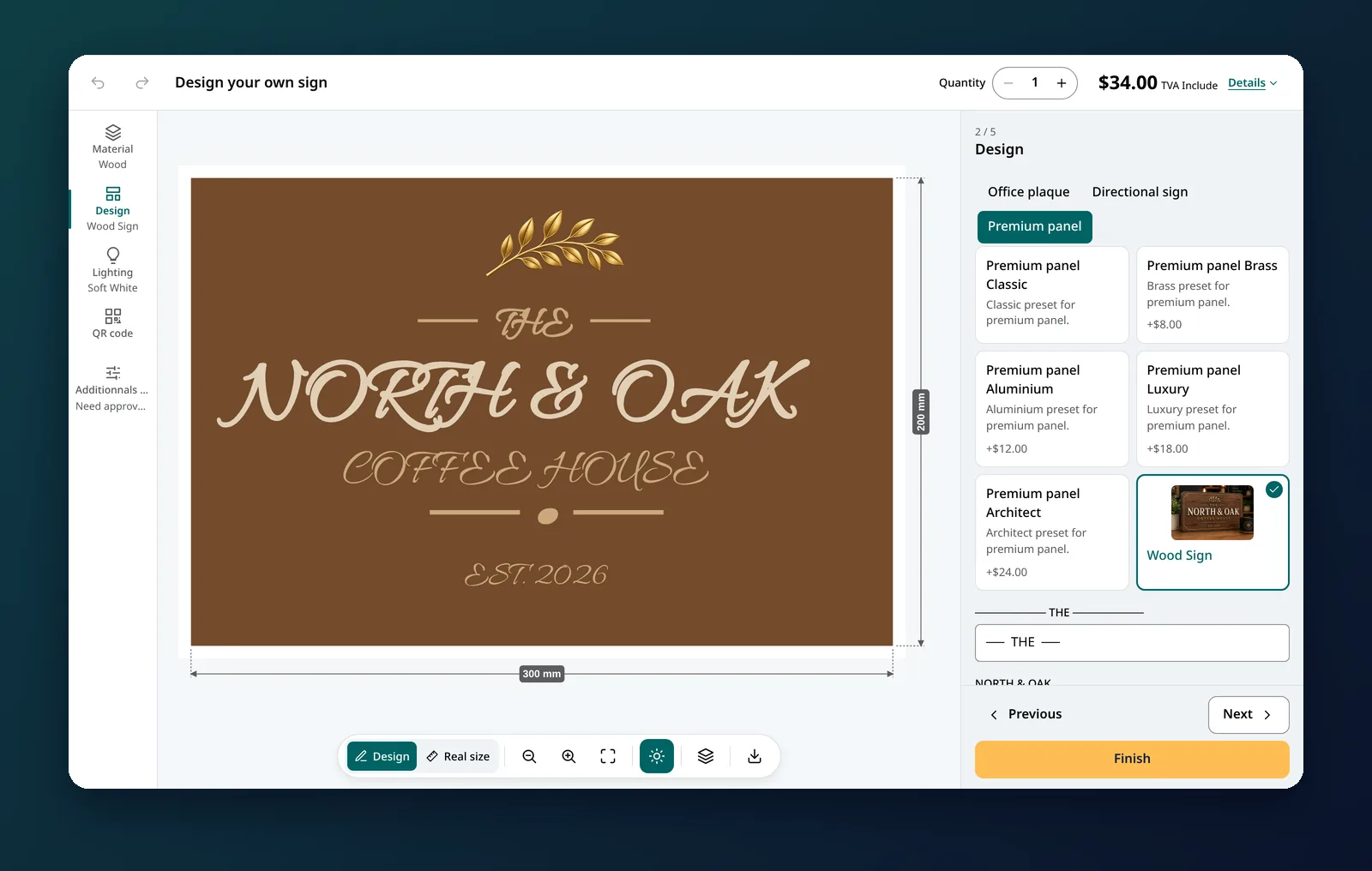
Family name signs, house numbers, welcome boards, cabin and wedding signs: buyers fall for a design, then want their own words on it. Typing those words into an order note and waiting for a proof slows everyone down. With preset designs, customers pick the design, fill in the text fields you opened, and see the finished wood sign before they order. Line lengths, fonts and spacing stay exactly as you drew them.
Each design defines its own text zones (required or not, with minimum and maximum characters), image zones for a logo or a photo, and the sizes, wood finishes, colors, borders and fixings it can be ordered in. Unusual silhouettes, such as an arch or a cut-out shape, can have their own SVG shape and a fixing layer that puts the holes exactly where they belong. Designs are grouped in collections, shown as tabs, so a shop can offer house signs, door signs and gifts side by side.
The order carries the recap of each text with its font, the chosen size and finish, and the design file in the formats you set: SVG for laser engraving and CNC routing, PDF or PNG for UV printing. Nothing to redraw.
Step-by-step setup, with a starter catalogue of nine designs: Preset-based product guide.
Only what you mark as editable: usually the text, sometimes a logo, a color or an option.
Yes. Group your designs in collections and offer as many as you need on the Premium plan.
Yes. Choose SVG output for engraving and CNC routing; a PDF at your print resolution is always generated too.
Yes. A design can use its own SVG silhouette, with a custom fixing layer that places the holes on that shape.
See Preset-based product in the help center.
Install All Sign Customizer, build your first sign product with the demo data and test it on your store today.
New features, release notes and tips for selling custom signs — a few emails a year.