
Lighting & Borders
Configure illumination choices and border treatments for products that support them.
Lighting and borders are finishing options: a glow color for illuminated panels, a frame or outline around the sign.
Lighting
Editor Setup › Lighting is the library of glow colors offered for illuminated products — Soft White, Warm White, Cool White, Amber… Each lighting color has a Label, a Hex color used to render the glow in the preview, and an Additional price.
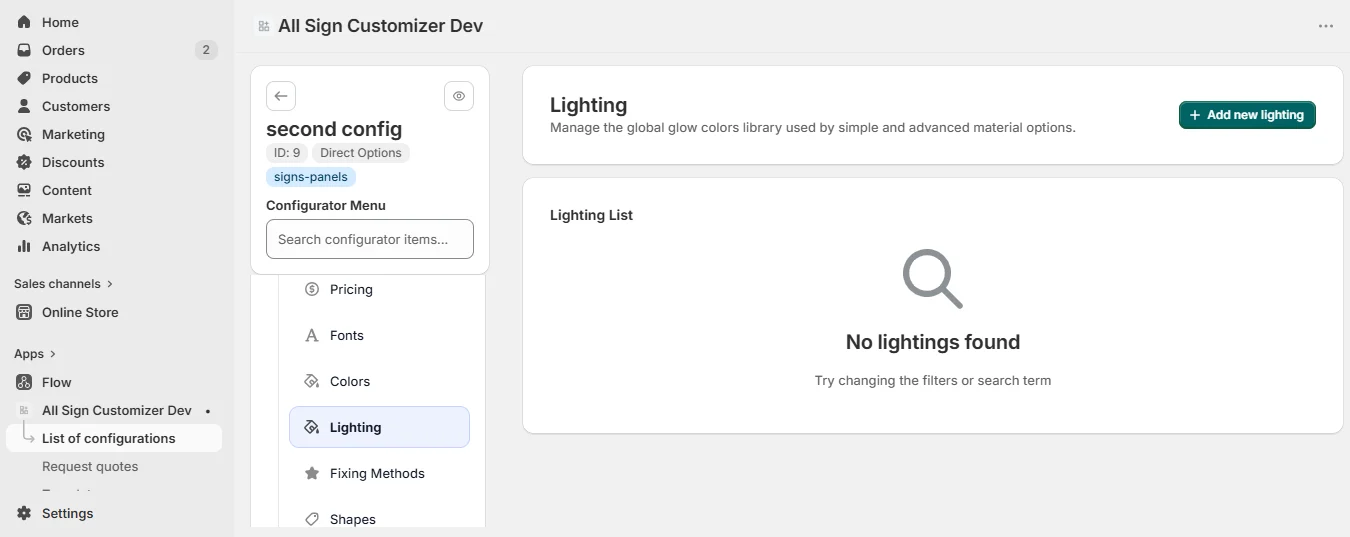
Set the most common one as Default. In Build from Presets, a design turns lighting on in its Lighting module and selects the colors it offers — or creates a new one directly.
Borders
Core Setup › Borders picks borders from your global library (Global Settings › Border) and sets, for each one:
- Additional price.
- Exclude sizes and Exclude shapes — hide the border where it cannot be produced, for example on cut-to-shape silhouettes.
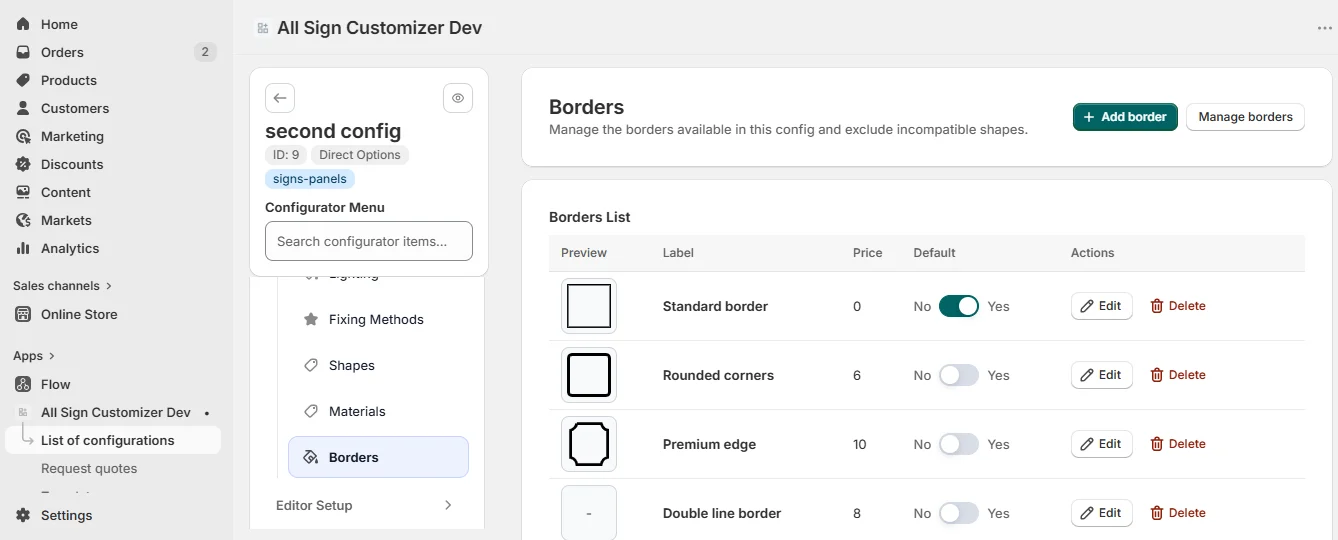
Border Settings decide what customers can adjust:
- Enable border width — customers choose the thickness of the border.
- Enable border color — customers choose its color among your Border Colors (name, hex, additional price), with an optional custom-color preview image.
A color of the Colors library can apply its text color to the border (“Use the same color for border”) — handy for engraved plaques.
Get product news by email
New features, release notes and setup tips — a few emails a year.