
Sign templates your customers personalize and buy
Offer ready-made designs, organized in collections, that customers personalize in a few clicks.
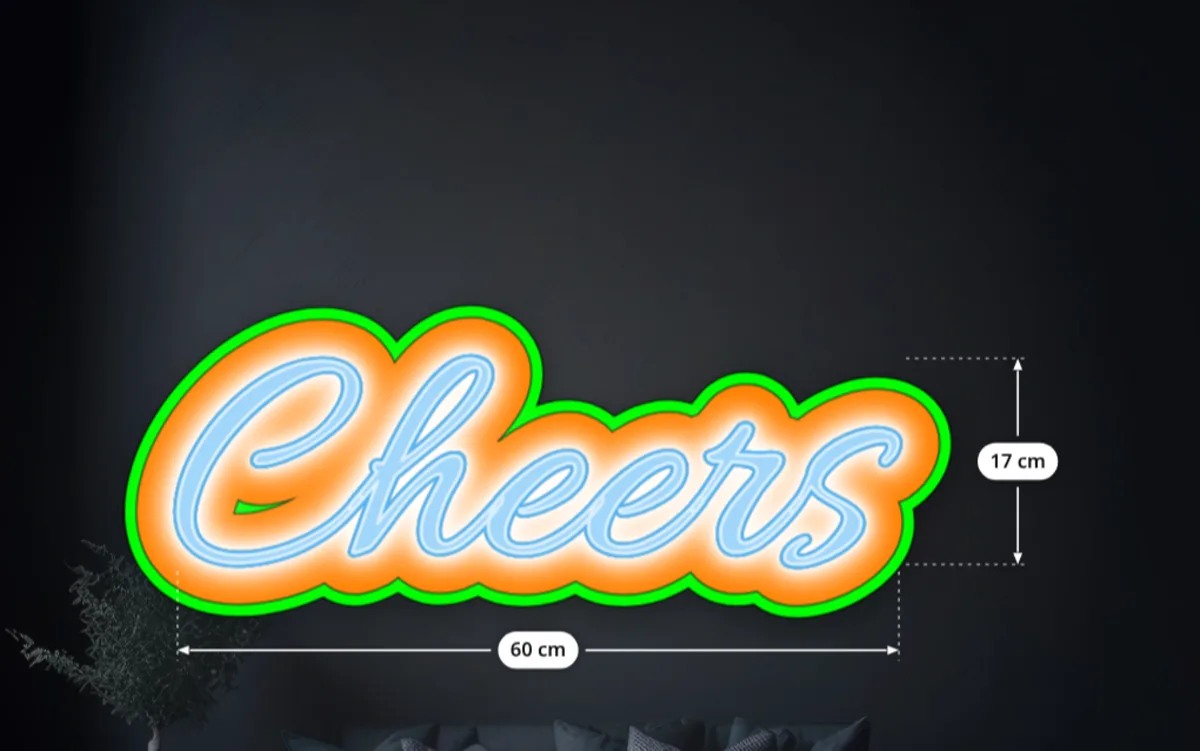
Give customers a head start.
A blank canvas stops many buyers. Templates are finished sign designs you prepare in advance: a “Private parking” sign, a “Wet floor” warning, a café menu board, a branded panel. Customers buy them as they are, or open them in the configurator and adapt the text, the colors or the size before ordering.
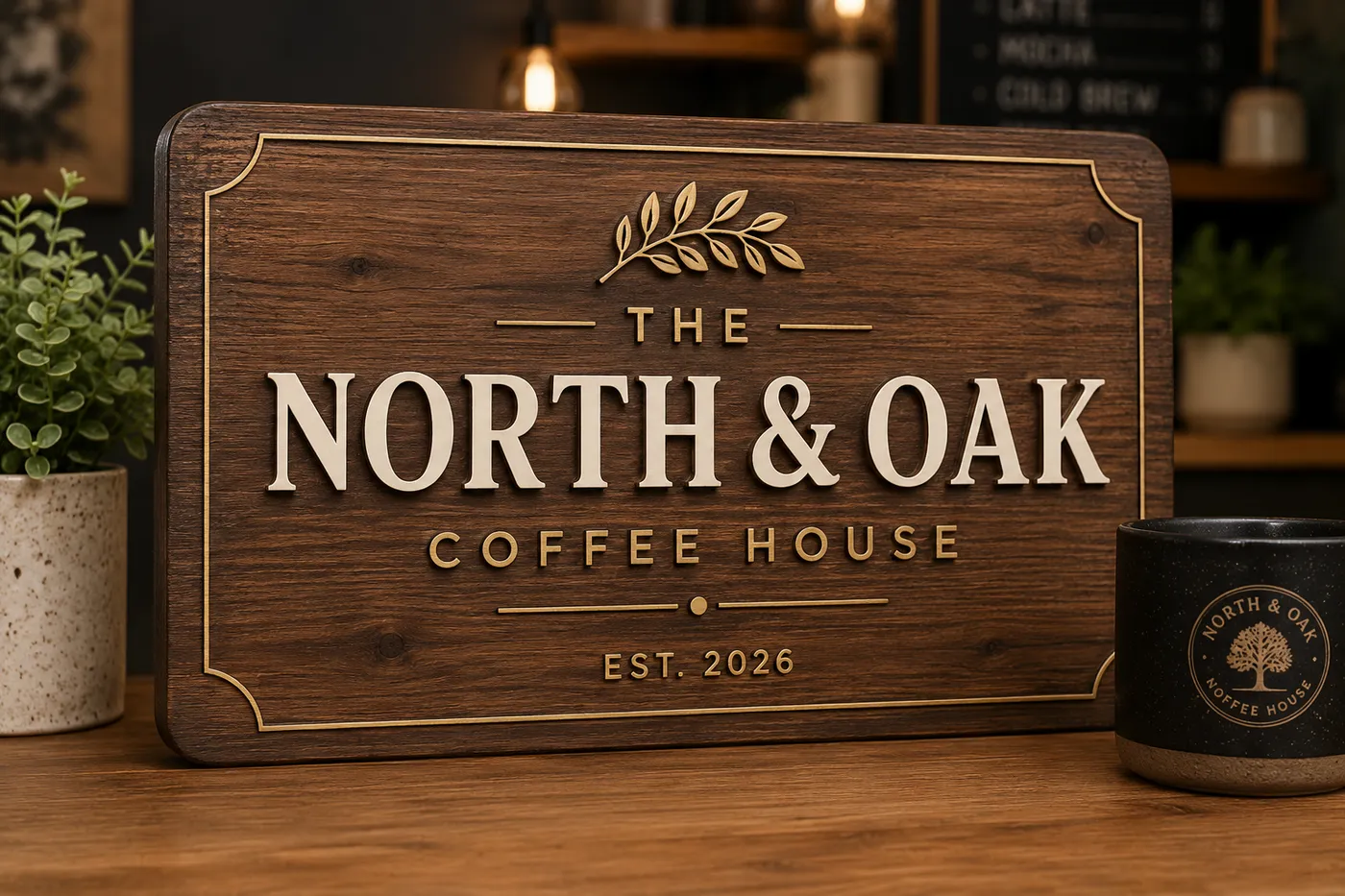
A templates gallery on your store
The Templates gallery block lists your templates on any page of your Shopify theme, filtered by category (“Safety”, “Parking”, “Restaurant”…). Each template shows two buttons:
- Customize opens the configurator with the template already loaded.
- Add to cart buys it as is, at the base price you set, without opening the configurator.
The gallery can sit in the page or open in a popup, with your own texts and button colors. On the product page, a “Design from example” button can lead customers to it, next to the usual “Design from blank”.
Made in the configurator itself
You create a template by designing it: the configurator opens in template maker mode, you choose the size, material and options, place the texts and images, and save. Customers start from exactly that state. A preview image can follow the design automatically, and you can add a photo of the produced sign.
- Unlimited templates per configuration on the Premium plan.
- Categories shared across your templates, used as gallery filters.
- Import and export as JSON, to copy templates to another configuration or another store.
- Templates only: turn off design from scratch, and customers can personalize your templates but not start from a blank sign.
Templates or Preset Mode?
Templates are starting points in a Build by Options configuration: once loaded, customers can change any option you offer. In Preset Mode, designs play that role inside the configurator and lock the layout, so customers only edit the zones you opened. Use templates for flexible products, presets for guided ones such as address plaques and door signs.
Frequently asked questions
Can customers buy a template without editing it?
Yes. Give the template a base price and enable add to cart: it is bought as is from the gallery.
How many templates can I create?
Unlimited templates per configuration on the Premium plan.
Can I copy templates to another store?
Yes. Export the templates of a configuration as JSON and import them into another configuration or store.
What is the difference with Preset Mode?
A template is a starting point: customers can then change any option you offer. Preset Mode locks the layout and only opens the zones you choose.