
A sign customizer that fits your Shopify theme
Match your brand, translate every label, accept file uploads, take quote requests and let customers share their design.
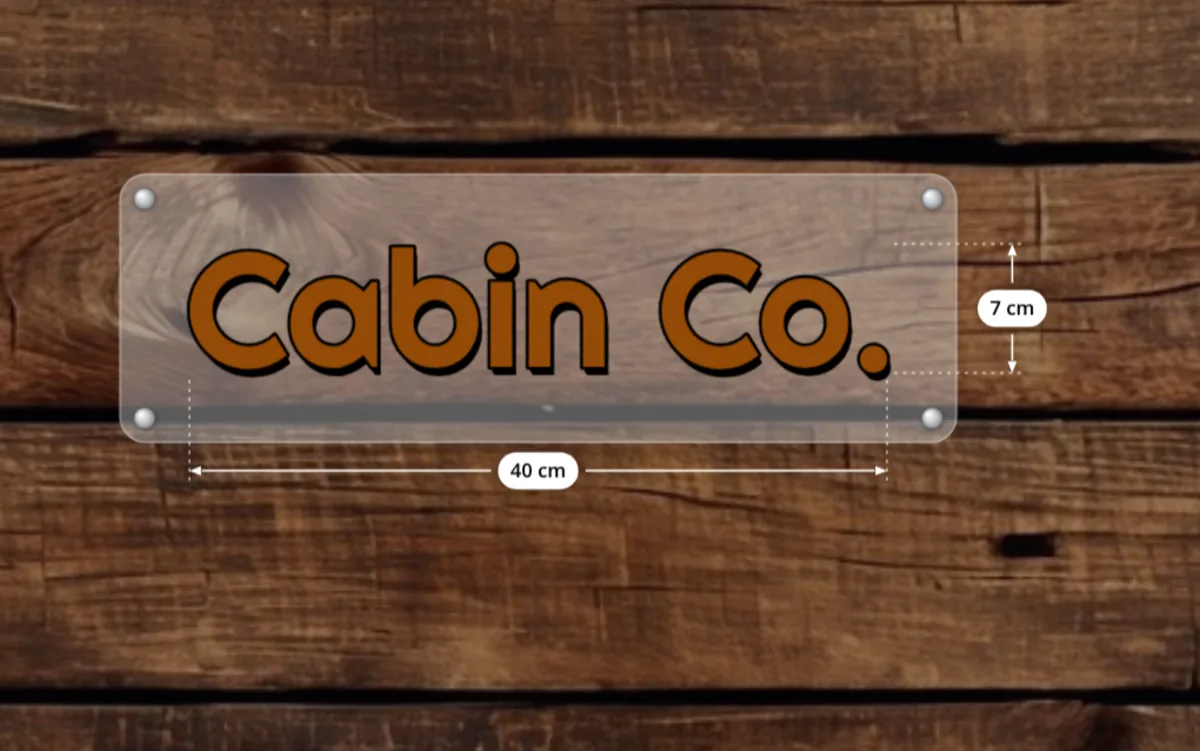
The customizer looks and speaks like your store.
Your customers should feel they never left your shop. All Sign Customizer is added to your Shopify theme with app blocks from the theme editor, and every visible part of the configurator can be adapted to your brand and your market. No theme code to edit.
Four ways to show the configurator
- Popup on the product page: the default. Customers click “Design from blank” and the configurator opens over the page, which keeps its photos and description.
- Embedded on the product page: visible as soon as the page loads, for products that exist only to be customized.
- On any page: show a configuration on your home page or a landing page to showcase it.
- From a templates gallery: customers start from one of your templates.
One configuration can serve several products, for example one product per material or per market, and a product without a configuration shows nothing, so the block can stay on a template shared with your ordinary products.
Your brand, your words
- Buttons: up to four on the product page (design from blank, design from example, upload your sign, view uploaded files), each with its own label and colors.
- Theme colors and custom CSS to match your store.
- Every label editable, so you can translate the configurator or change its wording.
- Your fonts and cliparts, managed in the app.
- Units and prices in your measurement unit and your store’s currency format.
Built for the way people buy signs
- File uploads for customers who already have their artwork, with the formats and maximum size you accept.
- Quote requests for signs that need a human check, instead of add to cart.
- Save and share a design with a link, to come back later or get approval from a colleague.
- Mobile options and option ordering, product by product.
- Cart behavior: stay on the page, go to the cart, or go straight to checkout after adding a design.
If your theme’s styles ever break the configurator’s layout, one setting isolates it in an iframe, and it falls back to normal rendering by itself if the iframe cannot load.
Frequently asked questions
Does it work with my Shopify theme?
The configurator is added as an app block in the theme editor. If a theme’s styles interfere, one setting isolates it in an iframe.
Can I translate the configurator?
Yes. Every label shown to customers can be edited, so you can translate it or change its wording.
Can customers send their own artwork?
Yes. The upload button lets customers send their files, with the formats, size and number of files you accept.
Can a customer save a design and finish later?
Yes. Designs can be saved and shared with a link.